docker

pi-hole-raspberry-pi-featured-image

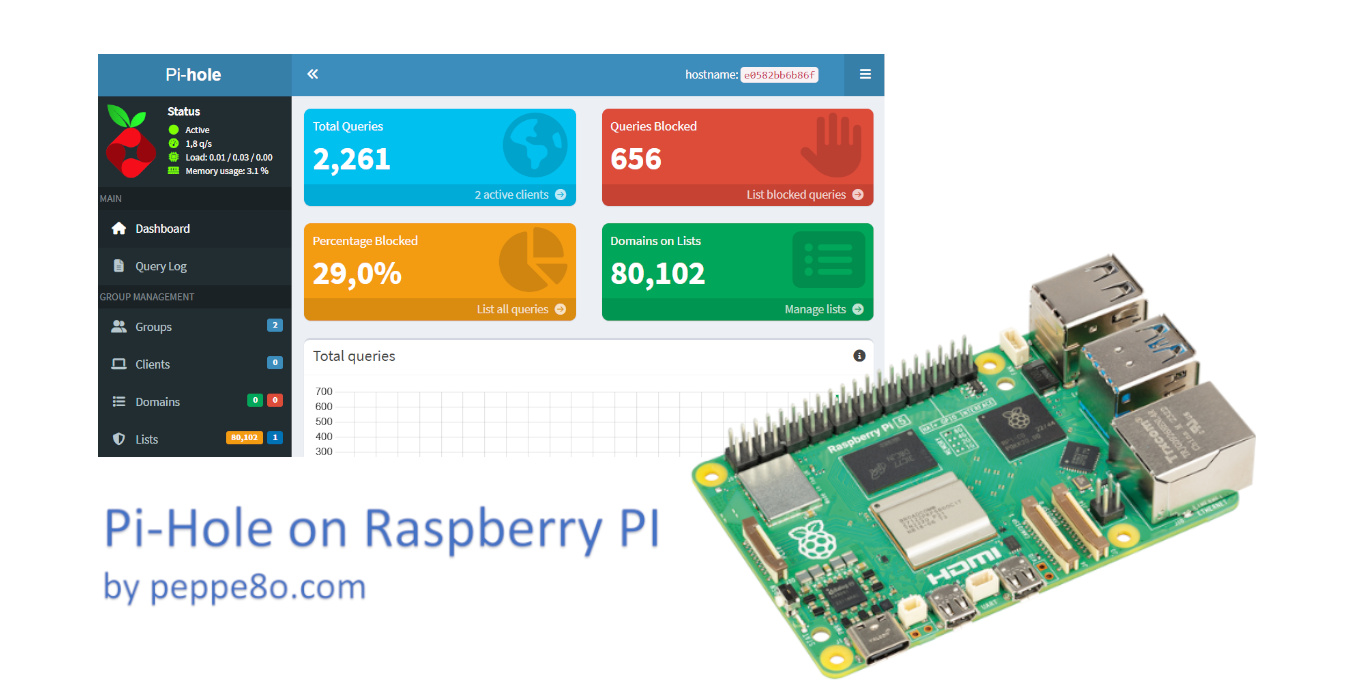
Install Pi-hole in your Raspberry PI with Docker 5 (3)

This tutorial will show you how to install Pi-hole on a Raspberry PI computer board with Docker. About Pi-Hole Pi-hole is a DNS server that protects your devices from unwanted content, without installing any client-side software. Computers and devices requesting web resources usually use public DNS servers to resolve mnemonic addresses (for example, “peppe8o.com”) into

Install Pi-hole in your Raspberry PI with Docker 5 (3) Read More »

discourse-raspberry-pi-featured-image

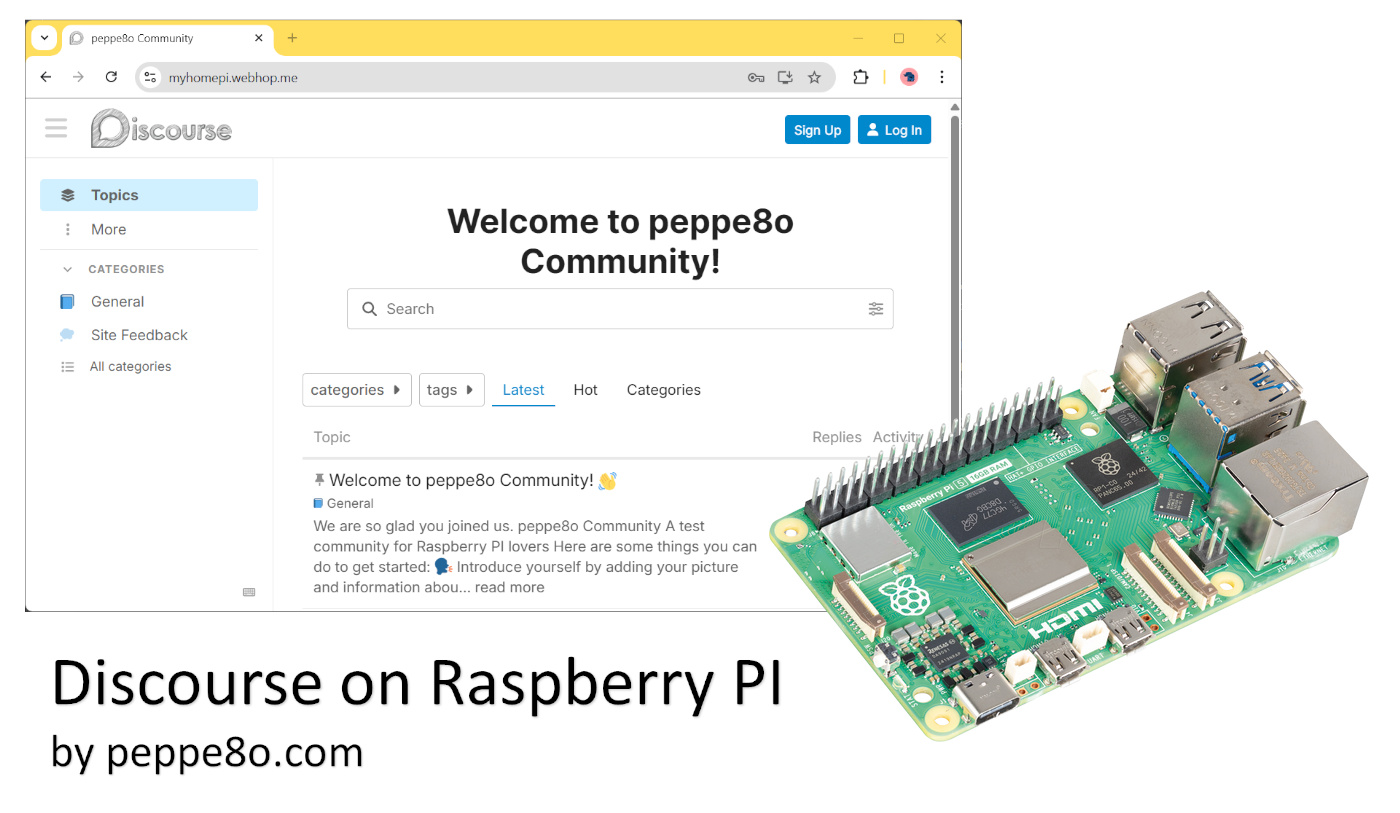
How to Install Discourse on Raspberry PI: Self-Hosted and Modern Forum Platform 5 (1)

In this tutorial, I’ll show you how to install Discourse on a Raspberry PI computer board, to get a self-hosted (private) forum with a modern interface and accessible both from a web browser as well as from the Discourse app for smartphones. About Discourse Discourse is an open-source platform designed to host and organise discussions

How to Install Discourse on Raspberry PI: Self-Hosted and Modern Forum Platform 5 (1) Read More »

seafile-raspberry-pi-featured-image

Seafile with Raspberry PI: Open-Source file&sync Solution Alternative to Google Cloud, iCloud, OneDrive 0 (0)

In this tutorial, I’m going to show you how to install and configure Seafile on a Raspberry Pi using Docker, which makes the installation procedure far simpler. As files on your devices increase, a common limitation is having a cloud storage with limited space to get your files securely stored and available for your access

Seafile with Raspberry PI: Open-Source file&sync Solution Alternative to Google Cloud, iCloud, OneDrive 0 (0) Read More »

octoprint-raspberry-pi-featured-image

Control a 3D printer with OctoPrint on Raspberry PI (Docker Installation) 4.9 (69)

This tutorial will show you how to install OctoPrint on Raspberry PI computer boards using Docker. In my opinion, if someone has a Raspberry PI and a 3D printer, they can do everything their imagination can suggest (robotics, home applications, and so on). But you can also use your Raspberry PI to control the progress

Control a 3D printer with OctoPrint on Raspberry PI (Docker Installation) 4.9 (69) Read More »

×