Docker

paperless-ngx-raspberry-pi-featured-image

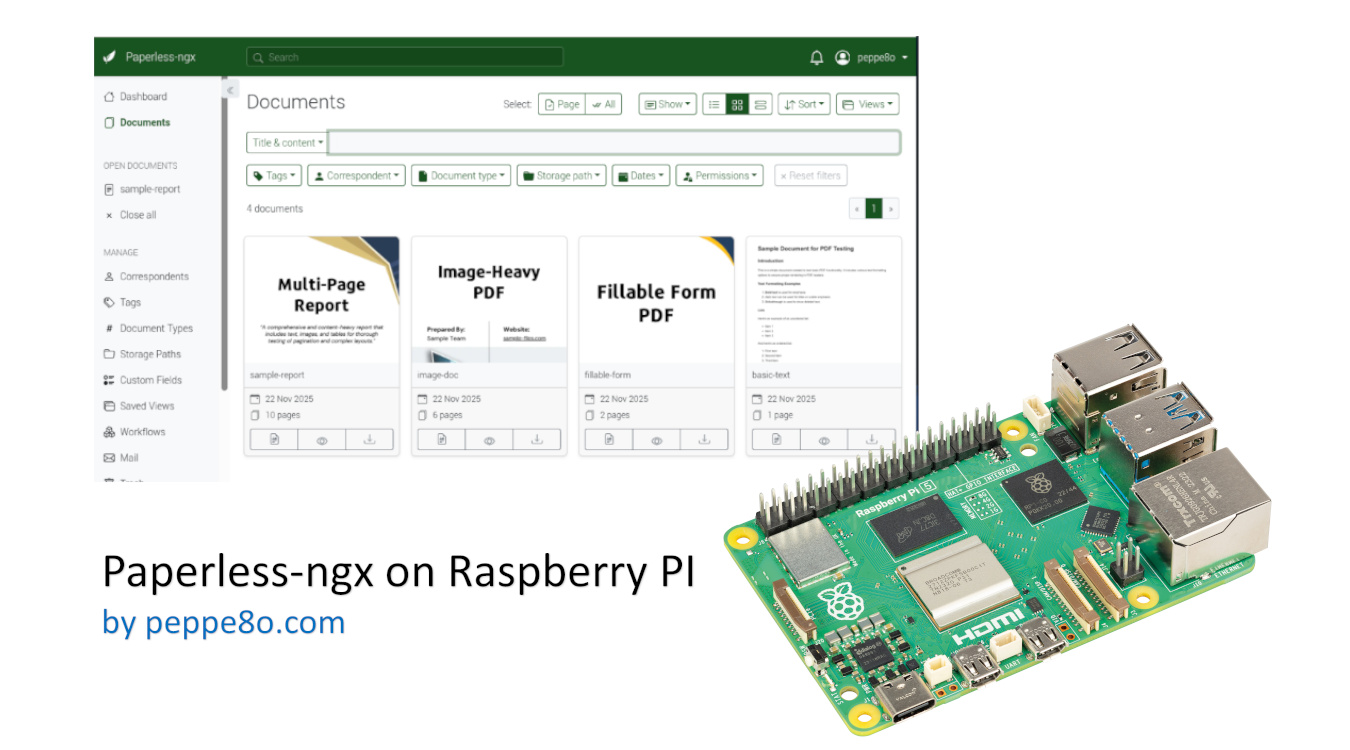
Paperless-ngx on Raspberry PI: Store and Organize Documents and Emails 0 (0)

In this tutorial, I will show you how to install Paperless-ngx on Raspberry PI computer boards. For this article, I’ll use my Raspberry PI 5 model B, but this should work with any Raspberry PI computer board capable of running the 64-bit OS. This tutorial uses Docker to install Paperless-ngx, as Docker assures a very […]

Paperless-ngx on Raspberry PI: Store and Organize Documents and Emails 0 (0) Read More »

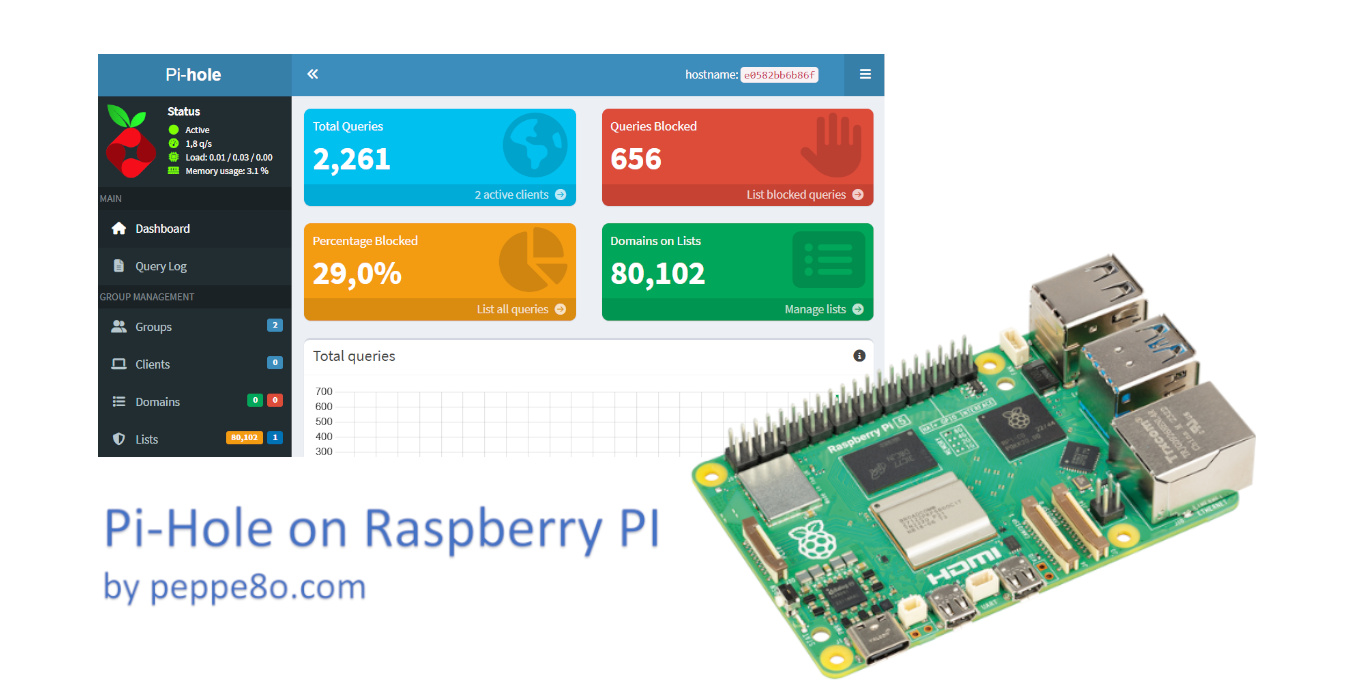
pi-hole-raspberry-pi-featured-image

Install Pi-hole in your Raspberry PI with Docker 5 (3)

This tutorial will show you how to install Pi-hole on a Raspberry PI computer board with Docker. About Pi-Hole Pi-hole is a DNS server that protects your devices from unwanted content, without installing any client-side software. Computers and devices requesting web resources usually use public DNS servers to resolve mnemonic addresses (for example, “peppe8o.com”) into

Install Pi-hole in your Raspberry PI with Docker 5 (3) Read More »

discourse-raspberry-pi-featured-image

How to Install Discourse on Raspberry PI: Self-Hosted and Modern Forum Platform 5 (1)

In this tutorial, I’ll show you how to install Discourse on a Raspberry PI computer board, to get a self-hosted (private) forum with a modern interface and accessible both from a web browser as well as from the Discourse app for smartphones. About Discourse Discourse is an open-source platform designed to host and organise discussions

How to Install Discourse on Raspberry PI: Self-Hosted and Modern Forum Platform 5 (1) Read More »

×