Python

ai-chatbot-raspberry-pi-featured-image

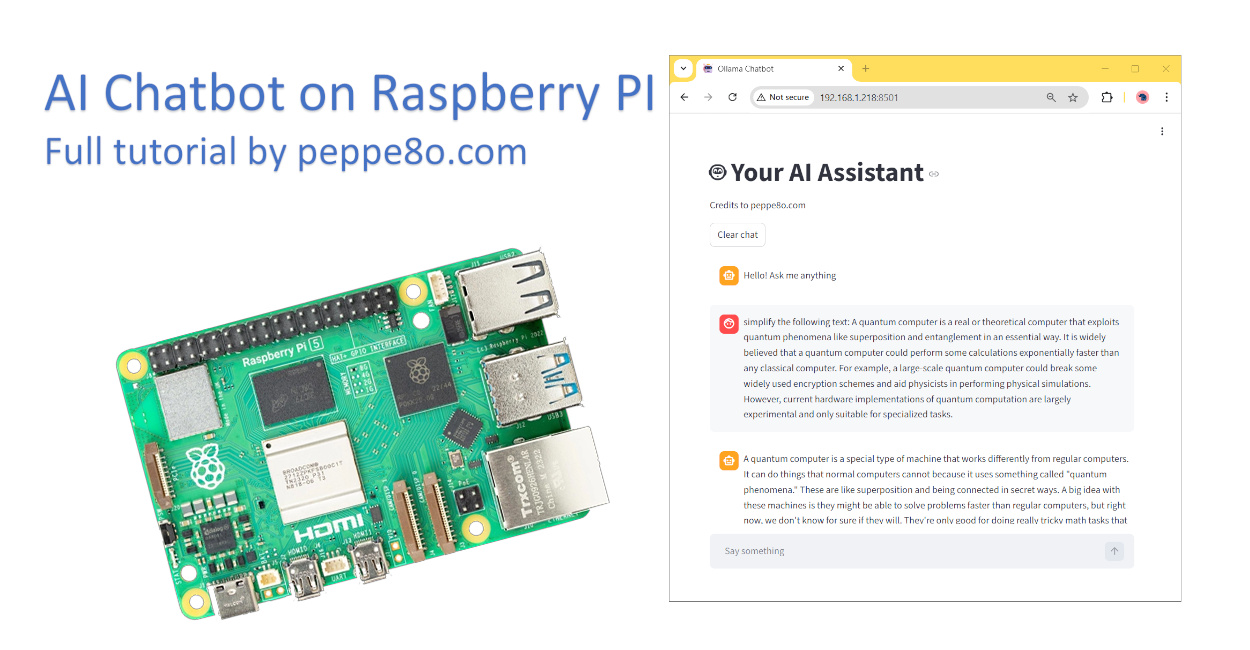
Create a Self-Hosted, Generative AI Chatbot with Raspberry PI, Streamlit, LangChain, and Ollama 0 (0)

In this tutorial, I will show you how to create your personal AI chatbot on Raspberry PI computer boards. This guide will allow you to get a web chatbot working in minutes with a very few commands. Everything will be hosted on your Raspberry PI and use open-source software. So, you will send no data […]

Create a Self-Hosted, Generative AI Chatbot with Raspberry PI, Streamlit, LangChain, and Ollama 0 (0) Read More »

streamlit-raspberry-pi-featured-image

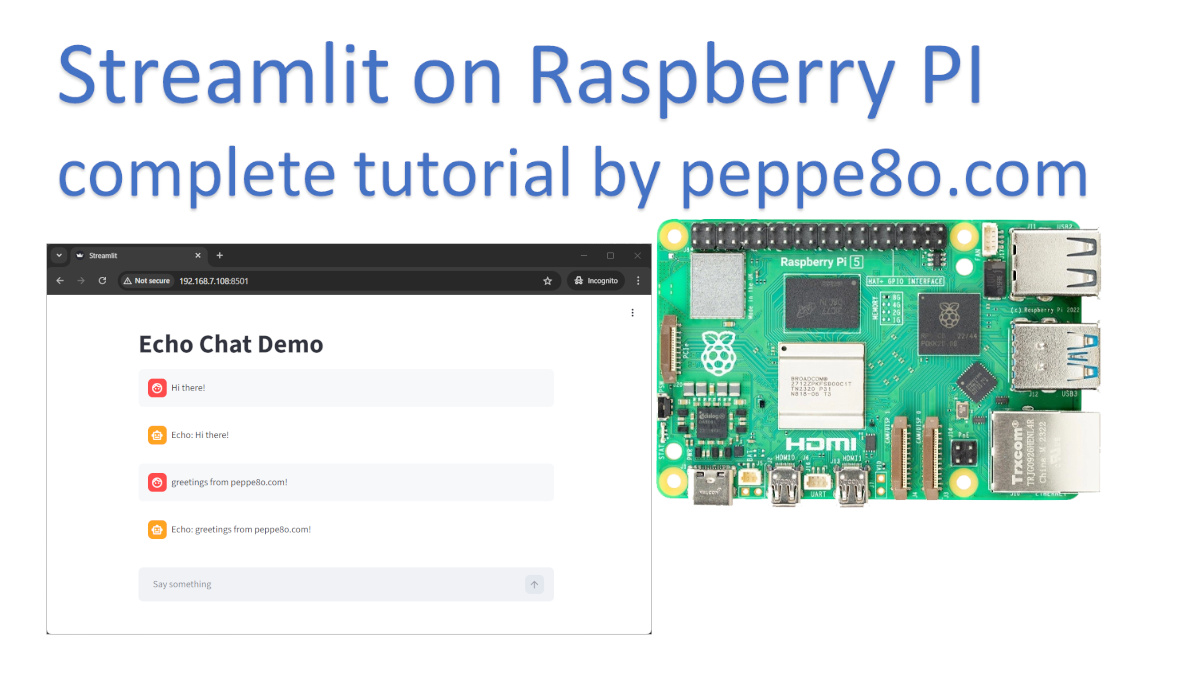
How to Use Streamlit with Raspberry PI: Deploy Web Apps in Minutes with Python 0 (0)

In this tutorial, I’m going to show you how to install and use Streamlit with Raspberry PI computer boards. This will enable you to fastly deploy web apps directly from your Python scripts, without the need to have html, Javascript, or CSS skills. About Streamlit Streamlit is a Python library allowing you to build interactive

How to Use Streamlit with Raspberry PI: Deploy Web Apps in Minutes with Python 0 (0) Read More »

langchain-raspberry-pi-featured-image

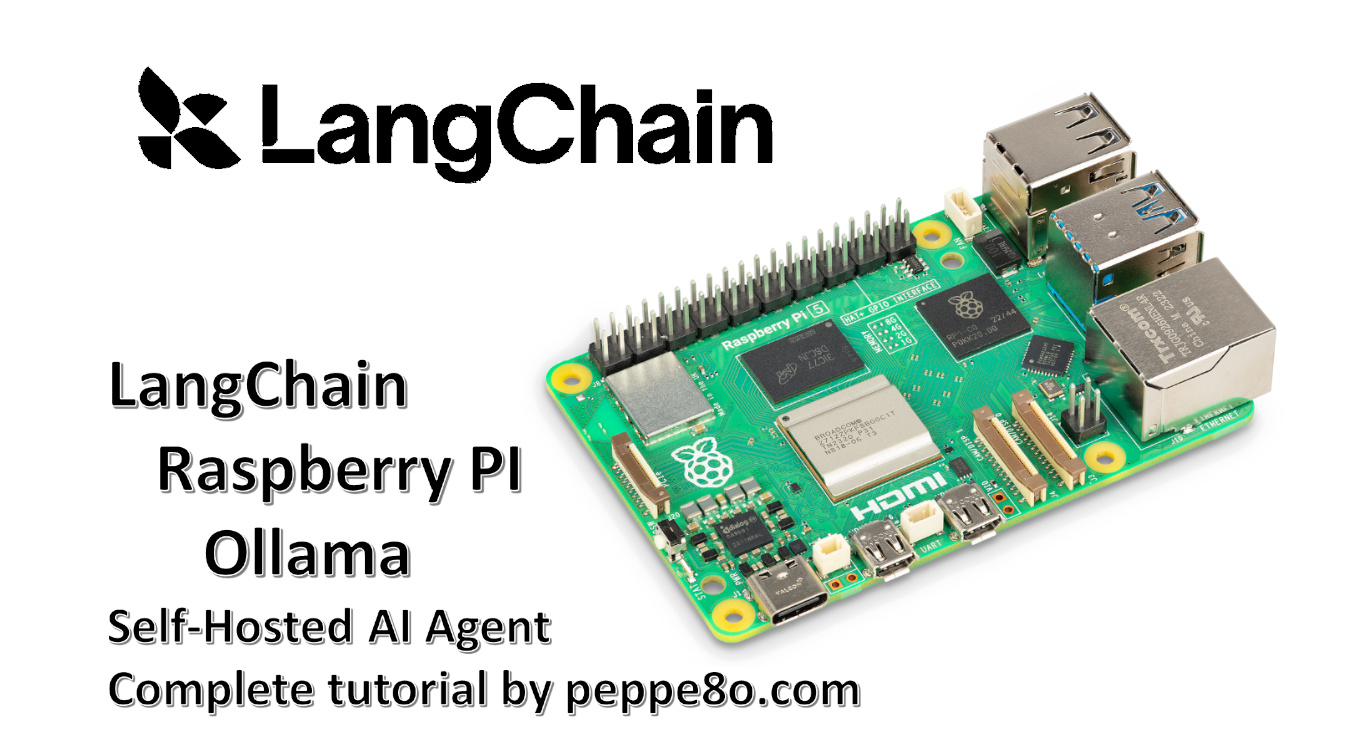
LangChain with Raspberry PI and Ollama: Build your Self-Hosted AI Apps 0 (0)

In this tutorial, I will show you how to install LangChain on a Raspberry PI computer board, running a complete Artificial Intelligence stack locally with Ollama. I’ll not use any cloud service, and the full code will run self-hosted in your computer board. About Langchain LangChain is an open-source framework focused on apps development with

LangChain with Raspberry PI and Ollama: Build your Self-Hosted AI Apps 0 (0) Read More »

playwright-raspberry-pi-featured-image

How to Install Playwright on Raspberry PI: Automate your Browser Tasks (both Python or Docker) 0 (0)

This tutorial will show you how to install and use Playwright on a Raspberry PI computer board, enabling you to automate your browser tasks such as checking prices from your favourite online stores, monitoring web info, checking sensor values from the producer’s web app, or even managing your home router. About Playwright Playwright is a

How to Install Playwright on Raspberry PI: Automate your Browser Tasks (both Python or Docker) 0 (0) Read More »

use-artificial-intelligence-model-raspberry-pi-pytorch-featured-image

Use your AI Model with Raspberry PI and PyTorch for Image Classification 0 (0)

This tutorial will show you how to use Artificial Intelligence on Raspberry PI with PyTorch to perform image classification tasks. This is part of a series of AI tutorials for Raspberry PI, and you can find the starting point in my Create your Artificial Intelligence (AI) model with Raspberry PI and PyTorch for Image Classification

Use your AI Model with Raspberry PI and PyTorch for Image Classification 0 (0) Read More »

artificial-intelligence-raspberry-pi-pytorch-train-featured-image

Create your Artificial Intelligence (AI) model with Raspberry PI and PyTorch for Image Classification 0 (0)

This tutorial will show you how to create a basic Artificial Intelligence (AI) model with a Raspberry PI computer board, using PyTorch. In this tutorial, I will provide you with all the basics to create your own model, while also explaining the neural network that powers it. About Pytorch I will not spend many words

Create your Artificial Intelligence (AI) model with Raspberry PI and PyTorch for Image Classification 0 (0) Read More »

×