Last Updated on 10th April 2026 by peppe8o

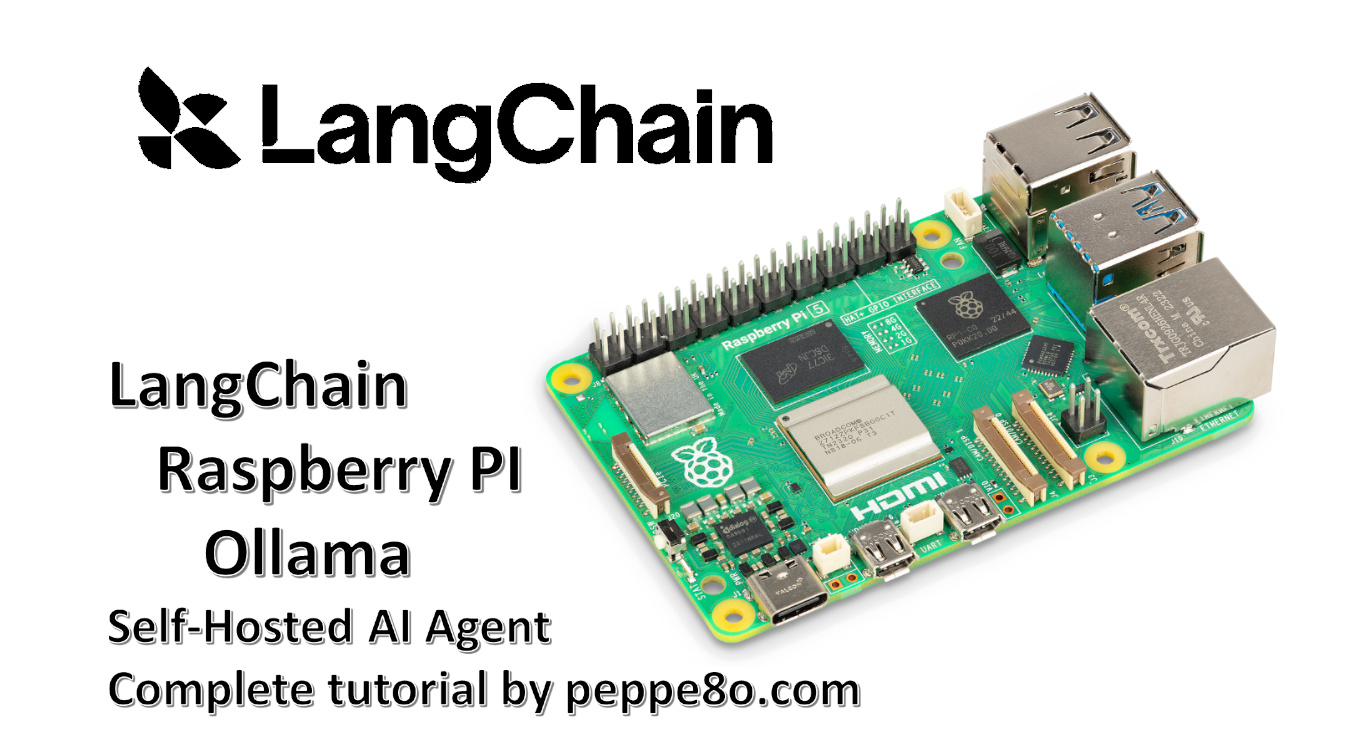
In this tutorial, I will show you how to install LangChain on a Raspberry PI computer board, running a complete Artificial Intelligence stack locally with Ollama. I’ll not use any cloud service, and the full code will run self-hosted in your computer board.
About Langchain
LangChain is an open-source framework focused on apps development with LLM (Large Language Models). It allows you to build AI agents in a simplified way: you can also compose complex architectures with a custom flow in a few code lines, enabling your AI projects to achieve any result.
LangChain also helps you to connect models to external data, tools, and workflows.
The main features include:
- Modular architecture: build AI apps by combining reusable components.
- Model integrations: connect with multiple LLM providers without rewriting your app.
- Chains: create multi-step workflows for more structured AI tasks.
- Agents: let the model choose tools and actions dynamically.
- Memory: keep context across conversations for more natural interactions.
- Retrieval and RAG support: connect LLMs to external documents and data sources.
- Tool use: integrate APIs, databases, calculators, and other external tools.
- Customization and flexibility: adapt the framework to simple apps or complex workflows.
In this tutorial, I will show you how to install LangChain in your Raspberry PI computer board and how to run it with an AI model from Ollama, so creating a simple chatbot.
What We Need
As usual, I suggest adding from now to your favourite e-commerce shopping cart all the needed hardware, so that at the end you will be able to evaluate overall costs and decide if to continue with the project or remove them from the shopping cart. So, hardware will be only:
- Raspberry PI Computer Board (including proper power supply or using a smartphone micro USB charger with at least 3A)
- high speed micro SD card (at least 16 GB, at least class 10)
For this test, I’ll use my Raspberry PI 5 Model B (8GB), but this should work on any Raspberry PI computer board supporting the 64-bit OS.
Moreover, if you have a low-RAM computer board, please evaluate increasing the Swap Memory of your Raspberry PI.
Step-by-Step Procedure
Prepare the Operating System
The first step is to install the Raspberry PI OS Lite (64-bit version) to get a fast and lightweight operating system (headless). If you need a desktop environment, you can also use the Raspberry PI OS Desktop (also here, 64-bit version), in which case you will work from its terminal app. Please find the differences between the 2 OS versions in my Raspberry PI OS Lite vs Desktop article.
Please make sure that your Operating System is up to date. From your terminal, use the following command:
sudo apt update -y && sudo apt full-upgrade -yWe also need pip. You can check if it is available in your Raspberry PI (and install it, if missing) with the following terminal command:
sudo apt install python3-pip -yInstall Ollama and Pull the Model
Ollama will locally host and run the AI model we’ll choose, so we need Ollama installed in our Raspberry PI. For this task, please refer to my Ollama in Raspberry PI tutorial.
We also need to pull (download) an AI model. I will use the qwen2.5:0.5b model. This is lightweight and should run fastly in many Raspberry PI computer models.
ollama pull qwen2.5:0.5bAnyway, you can find the complete models list at https://ollama.com/library
Install LangChain on Raspberry PI
Now, we can install LangChain. Besides the core package, we also need the ollama integration. We’ll install them in Python, and for security reasons we need to create a Virtual Environment according to the Python security recommendations (more info about Python virtual environments are available from my Beginner’s Guide to Use Python Virtual Environment tutorial). We’ll name it chatbot_env:
python3 -m venv chatbot_envNow, we must activate the virtual environment. Please remember to activate it every time you will run the app we’ll create:
source chatbot_env/bin/activateYou can see the virtual environment activated as you will get its name at the beginning of your prompt:
(chatbot_env) pi@raspberrypi:~ $Finally, we can install all the required packages with the following terminal command:
pip install langchain-ollama langchain-core langchain-communityCreate the Chatbot App with LangChain on Raspberry PI
I’ve prepared a simple chatbot script which simplifies any text in input from the user and gives back an explanation for unexperienced people.
You can easily download in your Raspberry PI with the following terminal command:
wget https://peppe8o.com/download/python/langchain/langchain-ollama-chatbot.pyIn the following I will explain the code line by line.
At the beginning, we import the required libraries:
from langchain_ollama import ChatOllama
from langchain_core.messages import HumanMessage, SystemMessage, AIMessage
At this point, we can create the LLM object by initilising it from the local Ollama service. We also define the model to use:
llm = ChatOllama(model="qwen2.5:0.5b")To make the chatbot focused on a specific job, we must start the messages session with an explanation about the tasks we want it runs. The messages object will include both this “initial context” as well as all the other messages within the conversation with the user:
messages = [SystemMessage(content="You are a helpful text simplifier for beginners. "
            "Rewrite any text in simple English for unexperienced people, keep the meaning")]
Now, the script prints a small banner advising the user that it is ready to get the user input. It also warns the user that he can exit from the conversation by typing “exit”:
print("Chatbot Qwen2.5 ready! Type 'exit' to quit.\n")The chatbot is ready to get the first input from the user.
A while loop will make the chat interactive between the user and the chatbot. The first command will ask the user to input its question ot text:
while True:
    user_input = input("You: ")
The following if statement will check (at every loop) if the user types “exit” (or “quit”). In this case, the chatbot exits from the program:
    if user_input.lower() in ['exit', 'quit']:
        print("Bye!")
        break
    print("\n")
The script appends the user text to the messages object, managing it as HumanMessage:
messages.append(HumanMessage(content=user_input))Now comes the text generated from our chatbot. We’ll show the “BOT” label at the beginning of the line generated from the LLM model. We also initialise the full_answer text variable to collect the outcome from the chatbot:
    print("BOT: ", end="", flush=True)
    full_answer = ""
At this point, the chatbot streaming starts. Words will be printed on the terminal as they appear, similarly to the most common AI chatbots:
    for chunk in llm.stream(messages):
        text = chunk.content or ""
        full_answer += text
        print(text, end="", flush=True)

    print("\n")
The final operation of each loop will just append the chatbot answer to the messages object, so that the chatbot will keep memory about the current session:
messages.append(AIMessage(content=full_answer))Run the ChatBot with LangChain on Raspberry PI
If the virtual environment is active, you can run this chatbot with the following termianl command:
python langchain-ollama-chatbot.pyThis chatbot will start asking you a prompt. You can interact with it as you like and just type “exit” to leave the session. Here’s an example:
(chatbot_env) pi@raspberrypi:~ $ python langchain-ollama-chatbot.py
🤖 Chatbot Qwen2.5 ready! Type 'exit' to quit.

You: A quantum computer is a (real or theoretical) computer that exploits superposed and entangled states. Quantum computers can be viewed as sampling from quantum systems. These systems evolve in ways that operate on an enormous number of possibilities simultaneously, though they remain subject to strict computational constraints. By contrast, ordinary ("classical") computers operate according to deterministic rules. (A classical computer can, in principle, be replicated by a classical mechanical device, with only a simple multiple of time cost. On the other hand (it is believed), a quantum computer would require exponentially more time and energy to be simulated classically.) It is widely believed that a quantum computer could perform some calculations exponentially faster than any classical computer. For example, a large-scale quantum computer could break some widely used public-key cryptographic schemes and aid physicists in performing physical simulations. However, current hardware implementations of quantum computation are largely experimental and only suitable for specialized tasks.


BOT: Quantum computers are special machines that work with tiny bits called qubits instead of traditional bits like the ones on our digital devices. These qubits can be in many different states at once, kind of like a superposition or a double-slit experiment. Quantum computers can also do amazing things by using these magical bit states to help solve problems much faster than regular computers.

Quantum computers are really smart at figuring out answers to complex problems that would take normal computers a very long time to work out. They can do this with less energy and in fewer steps than normal computers ever could!

So, imagine you're trying to figure out the perfect recipe for your dream ice cream cone. With today's computers, it takes forever! But with quantum computers, we can do much better!

Quantum computers are like magical treasure chests that can solve problems way faster than we can with regular digital computers. They work on a lot of different things at once and they can find answers to complex puzzles in just seconds!
I hope that helps explain this concept in simpler terms! Let me know if you have any other questions or if I can add more details for you.
Of course, you can both change the model (and get more specilized agents) and/or change the initial context to create programs fitting your needs.
LangChain Docs
LangChain docs are available at their official page: https://docs.langchain.com/
Resources
Enjoy!

Open source and Raspberry PI lover, writes tutorials for beginners since 2019. He's an ICT expert, with a strong experience in supporting medium to big companies and public administrations to manage their ICT infrastructures. He's supporting the Italian public administration in digital transformation projects.