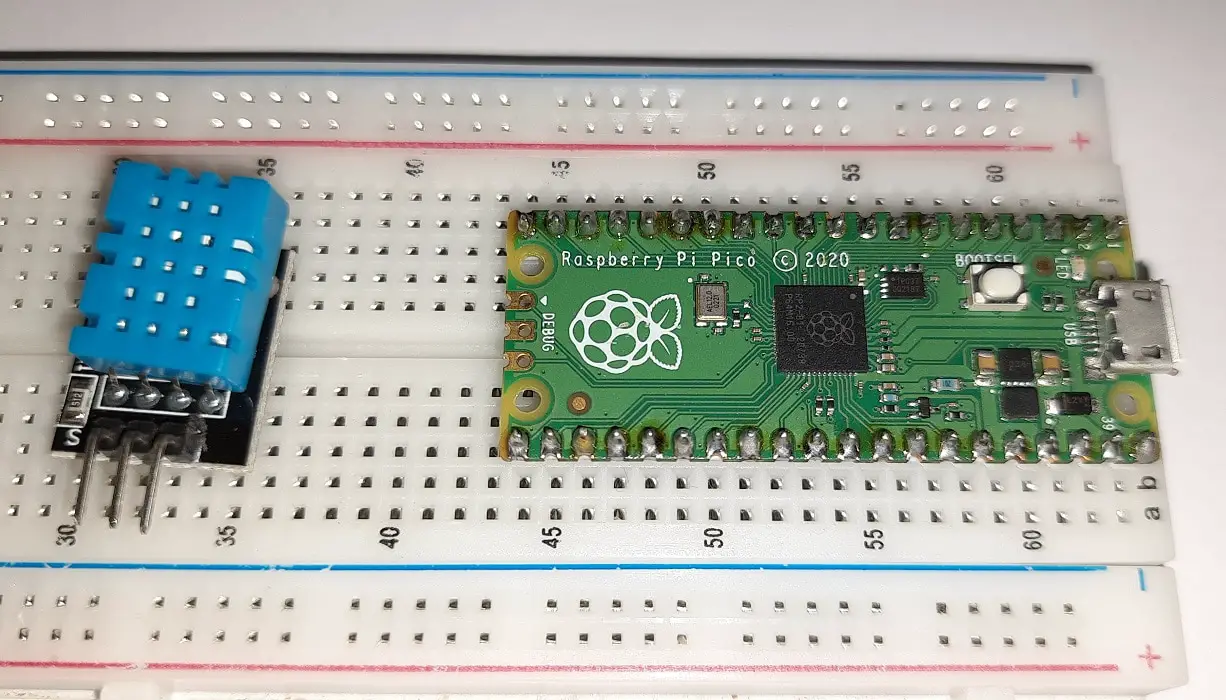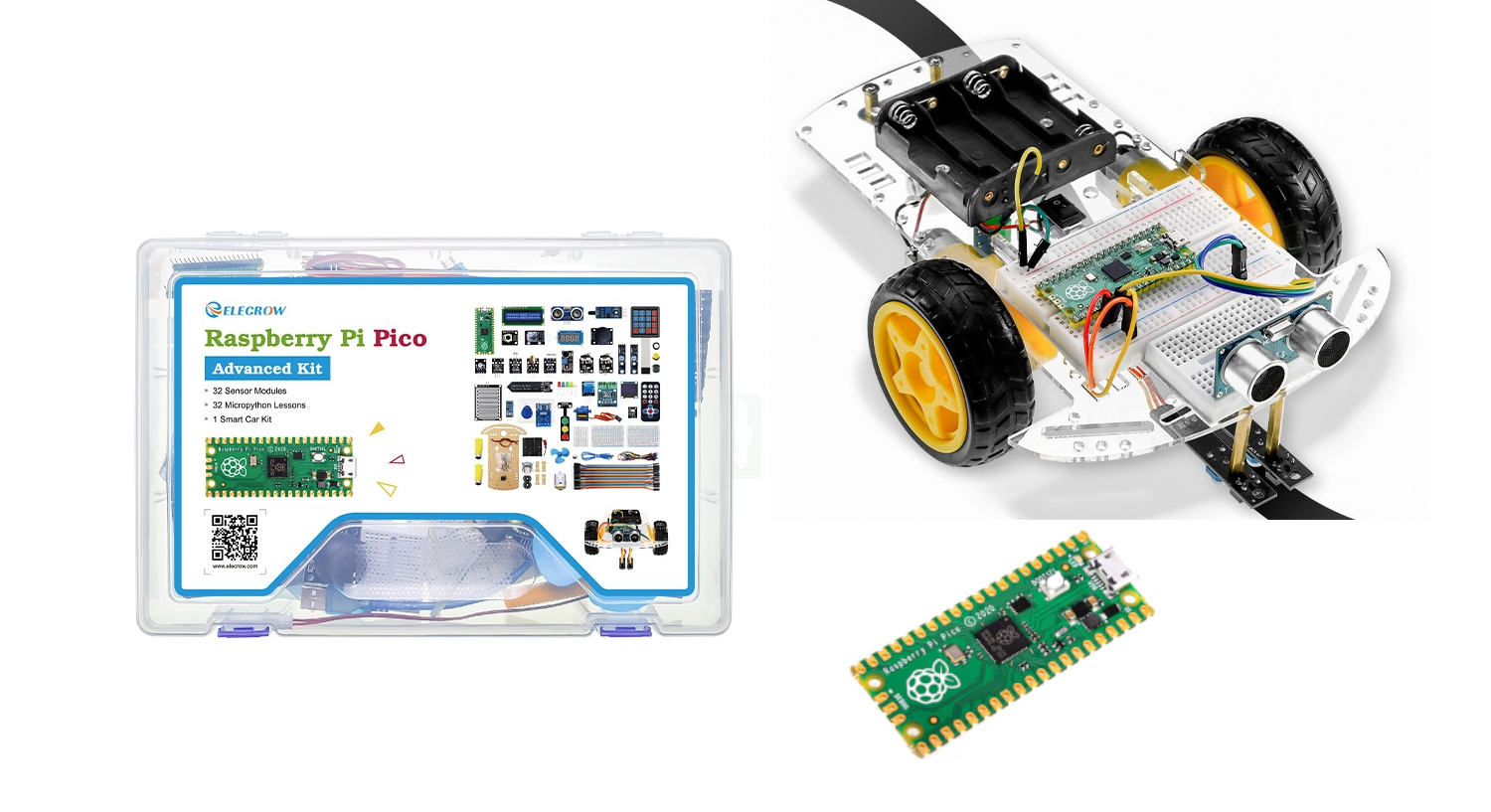
raspberry pi pico dht11 featured image

DHT11 Humidity and Temperature Sensor With Raspberry PI Pico and MicroPython 4.7 (6)

In this tutorial, I’m going to show you how to connect and use a DHT11 sensor to Raspberry PI Pico with MicroPython. Please note that if you are interested in using a Raspberry PI computer board (like RPI Zero), you will need to refer to my Use Raspberry PI with DHT11 Temperature and Humidity Sensor

DHT11 Humidity and Temperature Sensor With Raspberry PI Pico and MicroPython 4.7 (6) Read More »

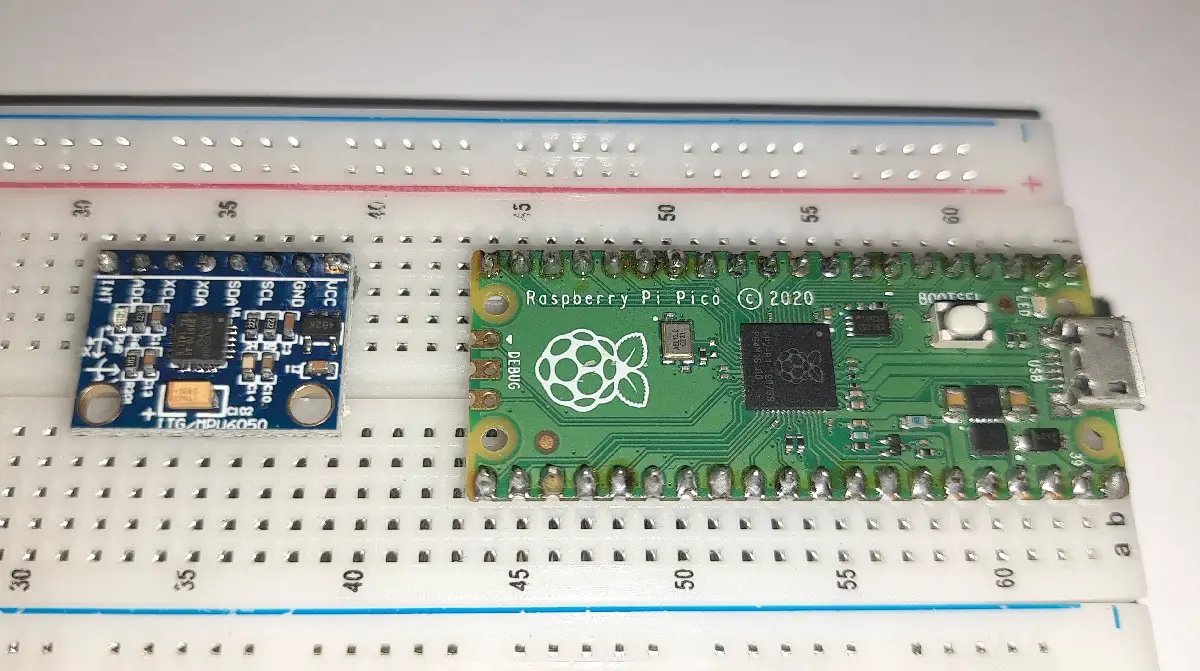
Raspberry PI Pico MPU6050 featured image

Using Gyroscope and Accelerometer with MPU6050, Raspberry PI Pico and MicroPython 4.7 (18)

In this tutorial, I’m going to show you how to connect and use an MPU6050 with Raspberry PI Pico and MicroPython. Gyroscopes and Accelerometers are basic features of modern smartphones. But they are vital for such projects as drones and self-balancing cars. These two kinds of sensor can be achieved with a single chip: the

Using Gyroscope and Accelerometer with MPU6050, Raspberry PI Pico and MicroPython 4.7 (18) Read More »

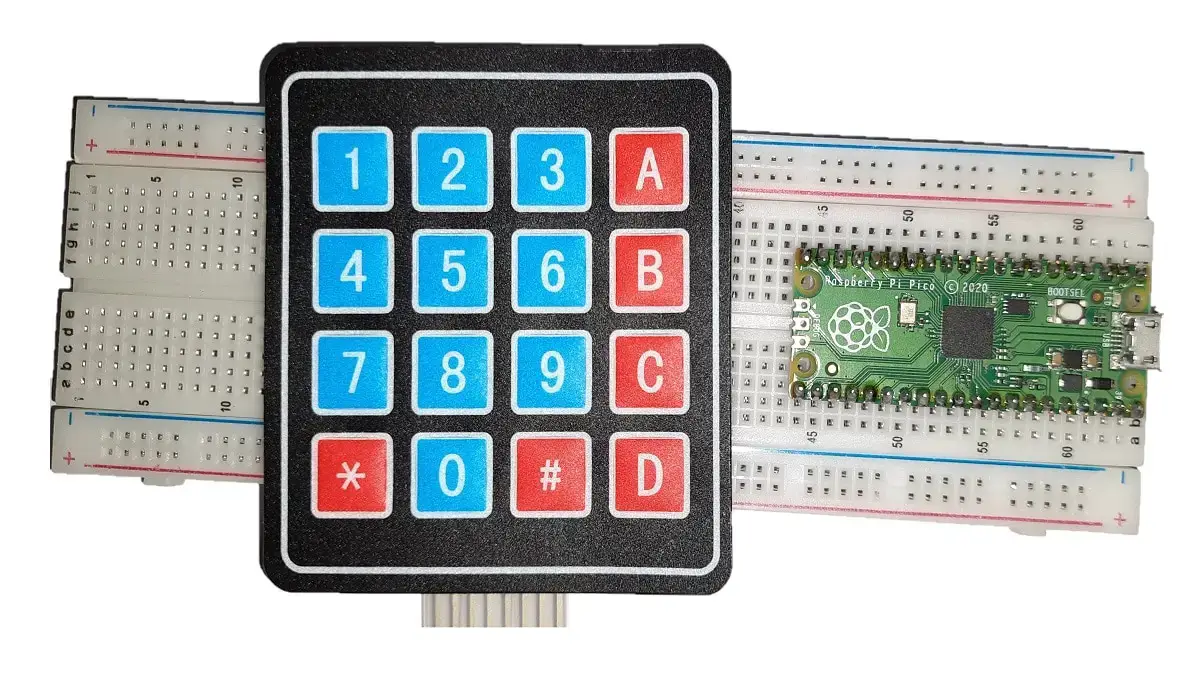
raspberry-pi-pico-4x4-keypad-featured-image

Use Matrix Keypad with Raspberry PI Pico to get User Codes Input 3.9 (12)

In this tutorial, I’m going to show you how to use a Matrix Keypad from Raspberry PI Pico and get user input from python. With matrix keypads you can acquire some simple user inputs (like codes, numbers and so on) into your Micropython programs without having to connect from a different device, by pushing its

Use Matrix Keypad with Raspberry PI Pico to get User Codes Input 3.9 (12) Read More »

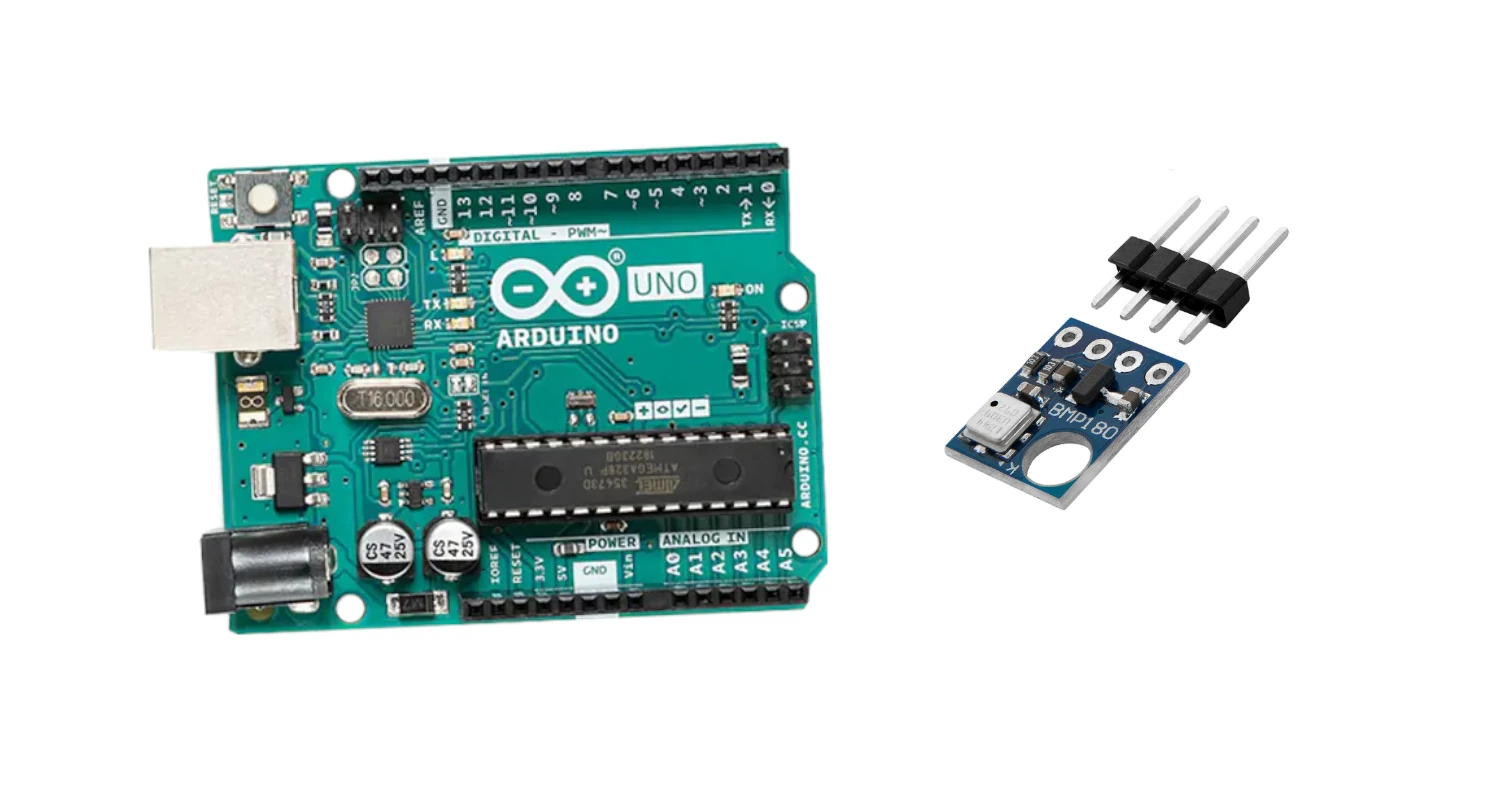
bmp180-arduino-barometric-sensor-featured-image

BMP180 Barometric pressure/temperature sensor with Arduino Uno 5 (1)

In this tutorial, we will use a Barometric pressure/temperature sensor BMP180 with Arduino Uno. This sensor has great application in tourism used by hikers, and climbers to deal with altitude, temperature and pressure. The mobile handset contains this module to keep updated on these parameters in offline mode. About the BMP180 Barometric Sensor The BMP180

BMP180 Barometric pressure/temperature sensor with Arduino Uno 5 (1) Read More »

Install OSMC in Raspberry PI: Media Center focusing on Kodi 4.8 (5)

This tutorial will show you how to install OSMC on Raspberry PI computer boards. The guide will help beginners to get a complete (and open-source) media centre bringing Kodi in your credit-size computer board. This software is a great and common alternative to LibreElec. About OSMC OSMC (Open Source Media Center) is a free and

Install OSMC in Raspberry PI: Media Center focusing on Kodi 4.8 (5) Read More »

×