self hosted

raspberry pi gogs featured image

How to install Gogs on Raspberry PI: Self-Hosted, Private Git Web Portal 5 (2)

In this tutorial, I’m going to show you how to setup a private Git web portal on a cheap board, installing Gogs on a Raspberry PI. I’ll use a Raspberry PI 5 Model B, but this tutorial also works with newer Raspberry PI boards. Code development requires continuous reworks, fixes, updates and downgrades. Managing it […]

How to install Gogs on Raspberry PI: Self-Hosted, Private Git Web Portal 5 (2) Read More »

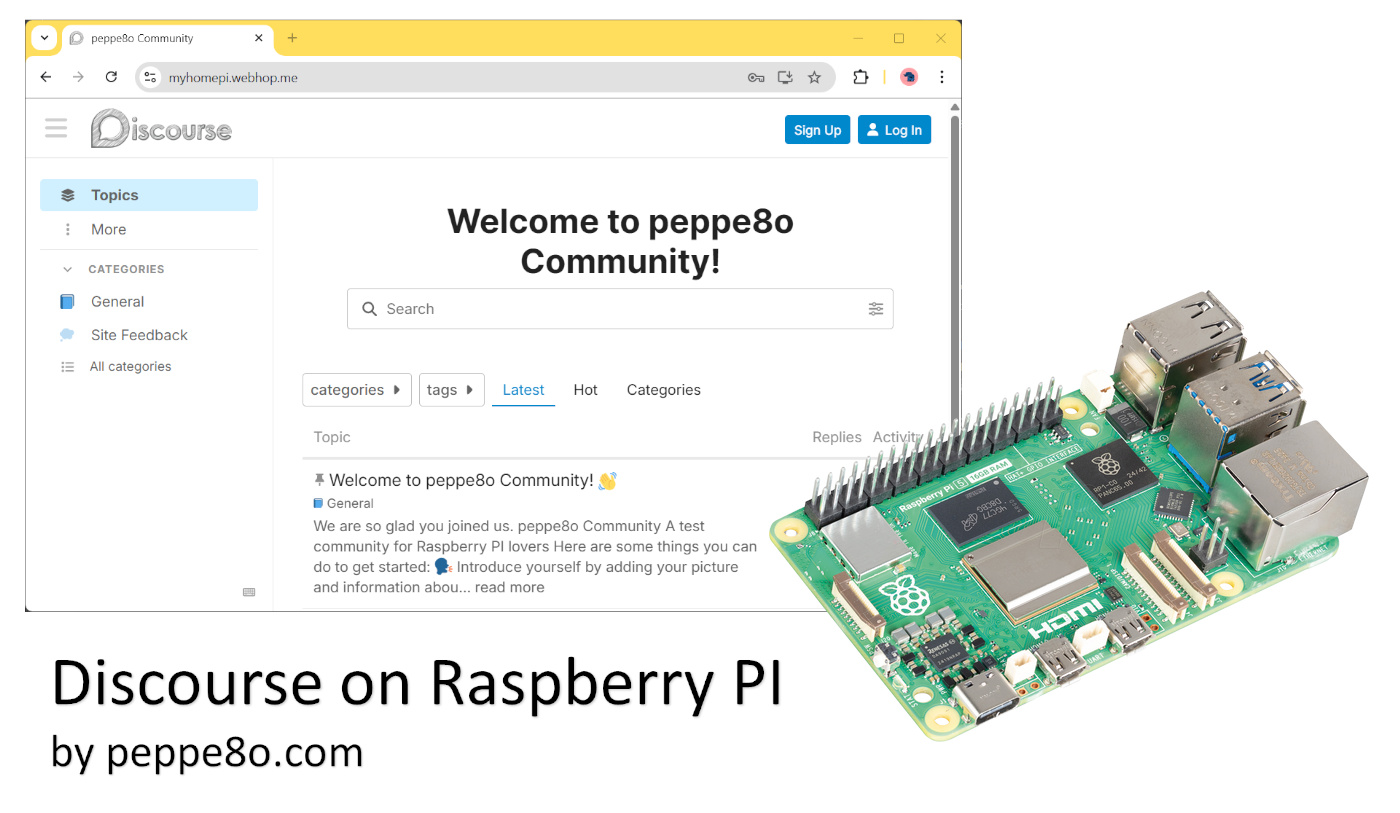
discourse-raspberry-pi-featured-image

How to Install Discourse on Raspberry PI: Self-Hosted and Modern Forum Platform 5 (1)

In this tutorial, I’ll show you how to install Discourse on a Raspberry PI computer board, to get a self-hosted (private) forum with a modern interface and accessible both from a web browser as well as from the Discourse app for smartphones. About Discourse Discourse is an open-source platform designed to host and organise discussions

How to Install Discourse on Raspberry PI: Self-Hosted and Modern Forum Platform 5 (1) Read More »

raspberry pi piwigo featured image

Piwigo and Raspberry PI: a Private Open Source Photo Management Platform 5 (4)

In this tutorial, I’m going to show you how to install Piwigo on your Raspberry PI computer board. It can also be considered a great Google Photo alternative, as the Google service requires a paid subscription once you require more space. An important thing is, after the Piwigo installation, to use the official users manual

Piwigo and Raspberry PI: a Private Open Source Photo Management Platform 5 (4) Read More »

×